Scan. Extract. Call. Navigate.
Instantly.
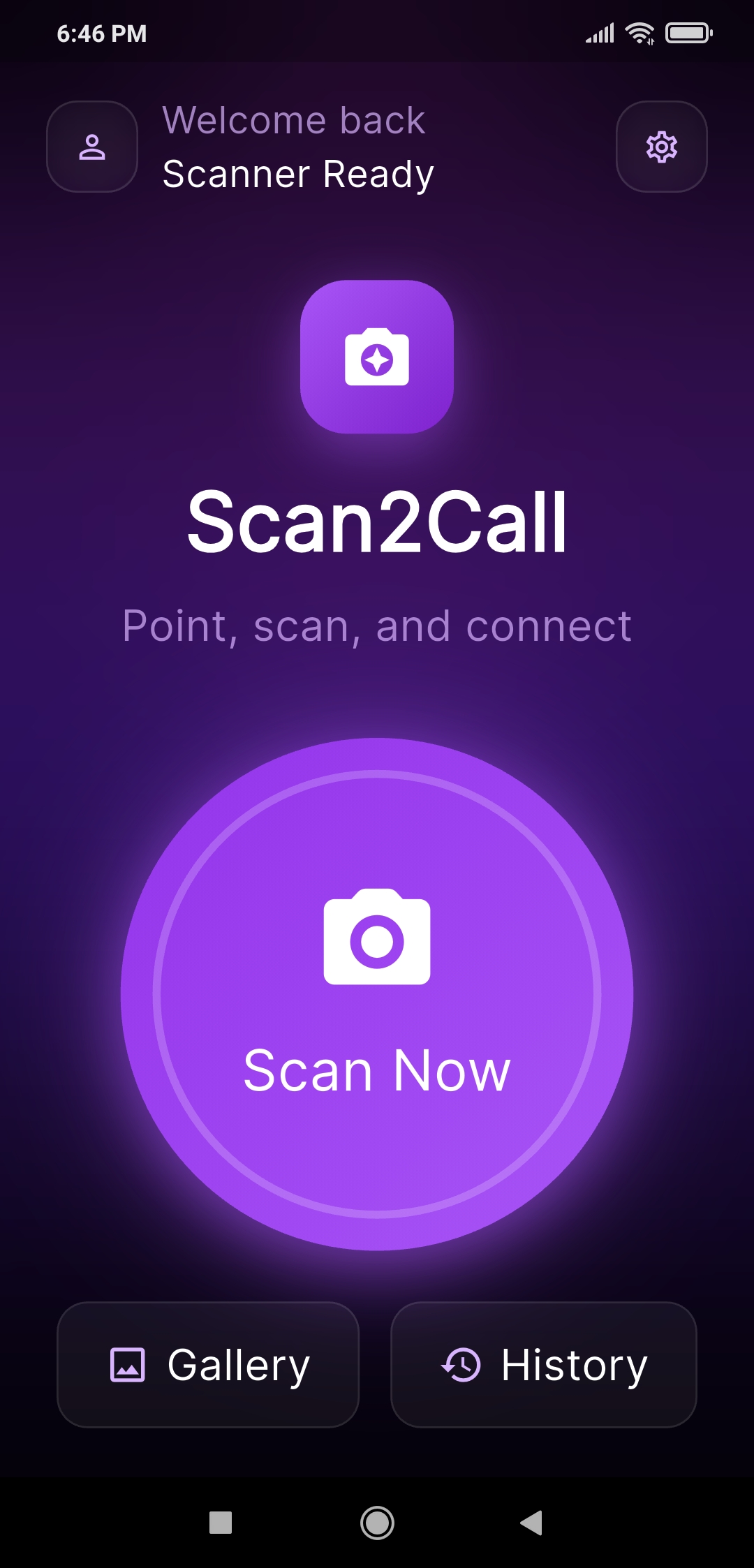
Transform business cards, documents, packages, and even phone screens into callable contacts or Google Maps-ready addresses using AI-powered OCR extraction.
No typing. No mistakes. Just scan and connect instantly.
✨ The fastest way to turn photos into contacts.
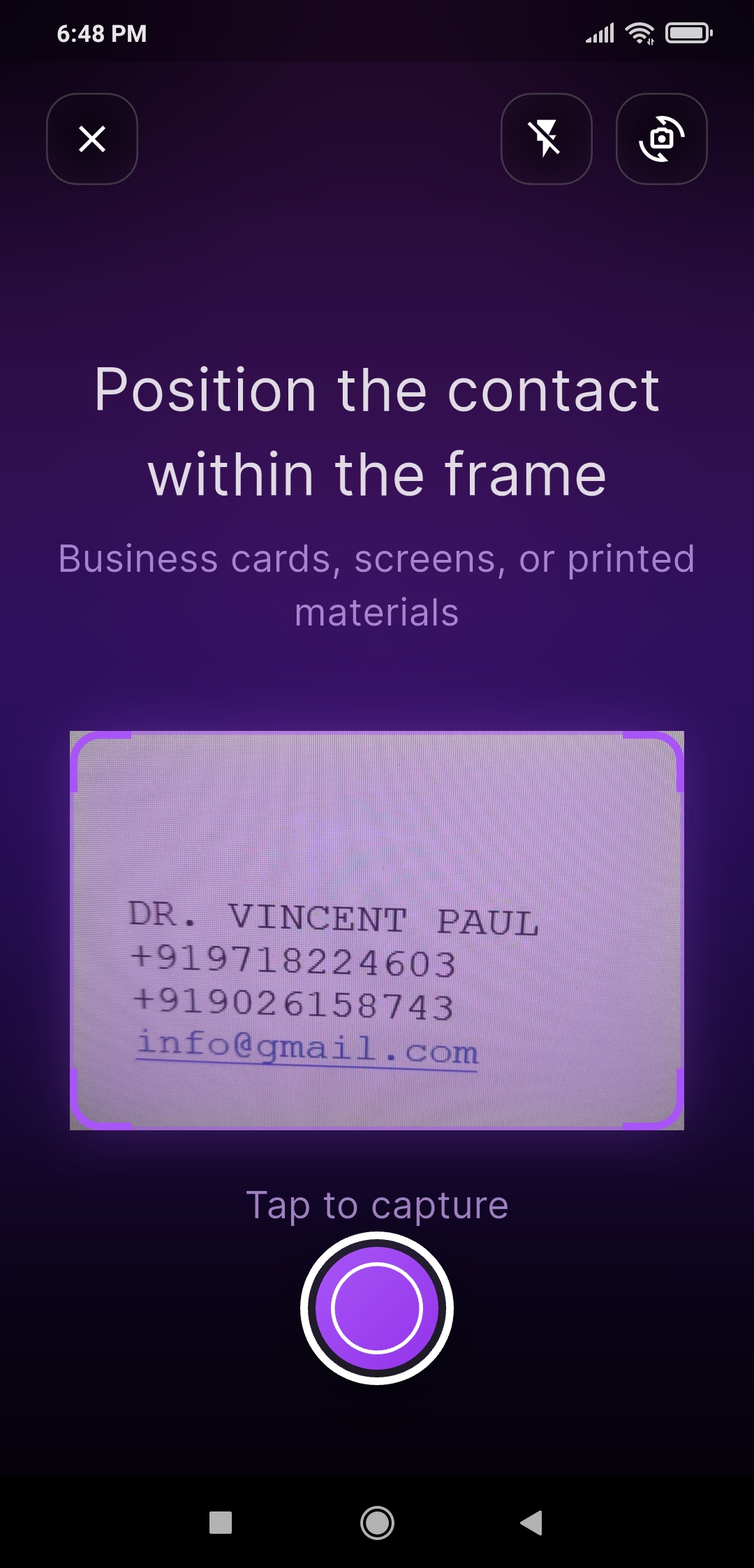
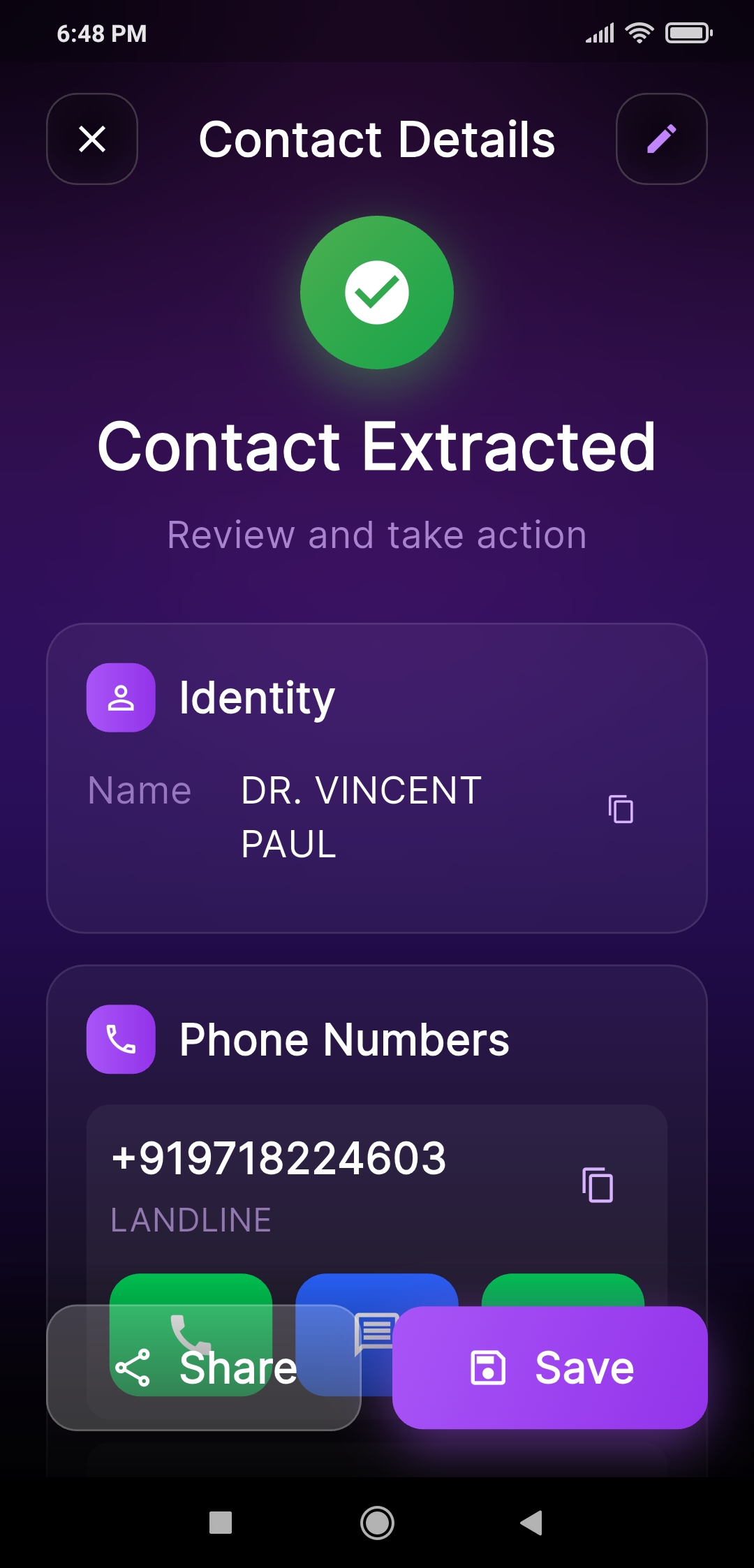
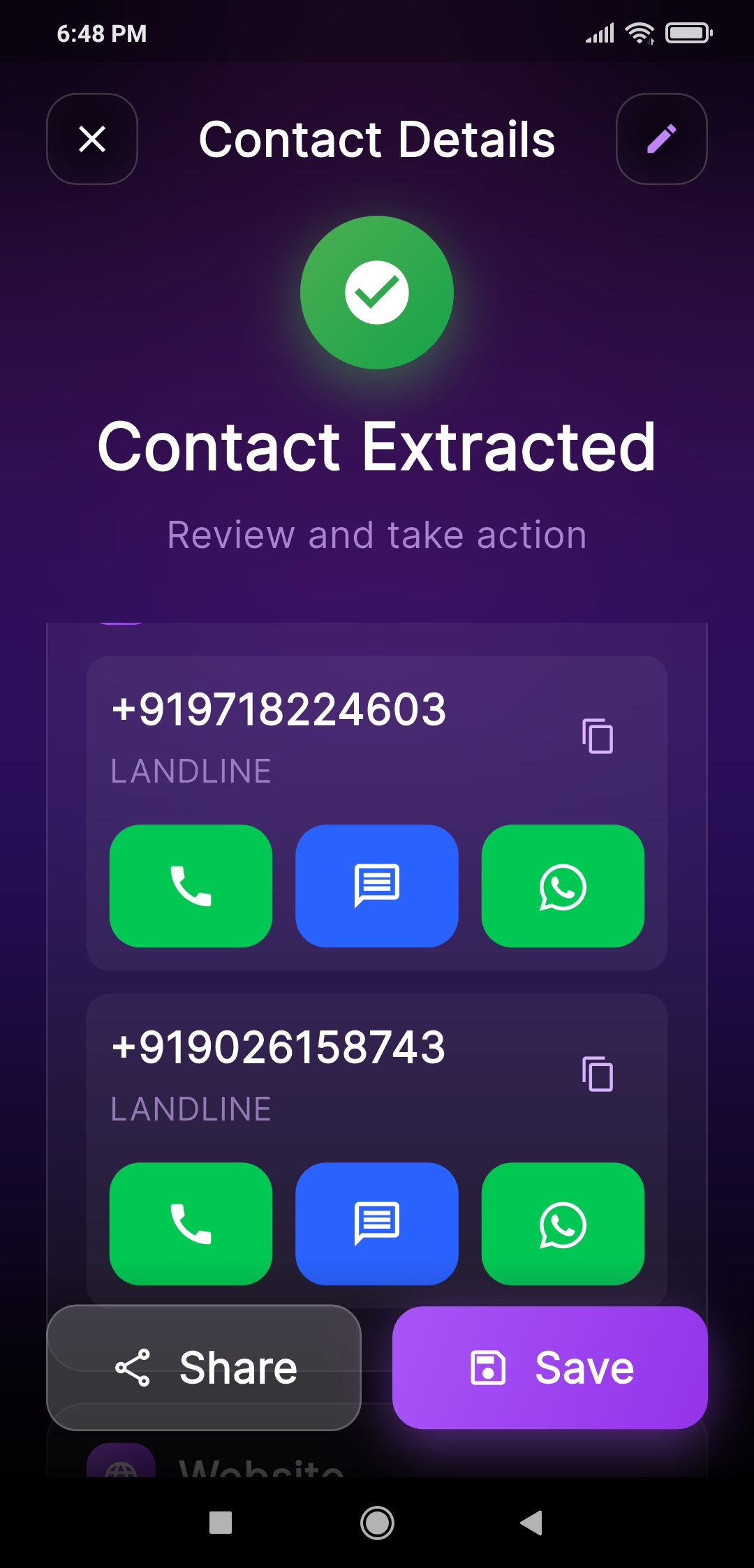
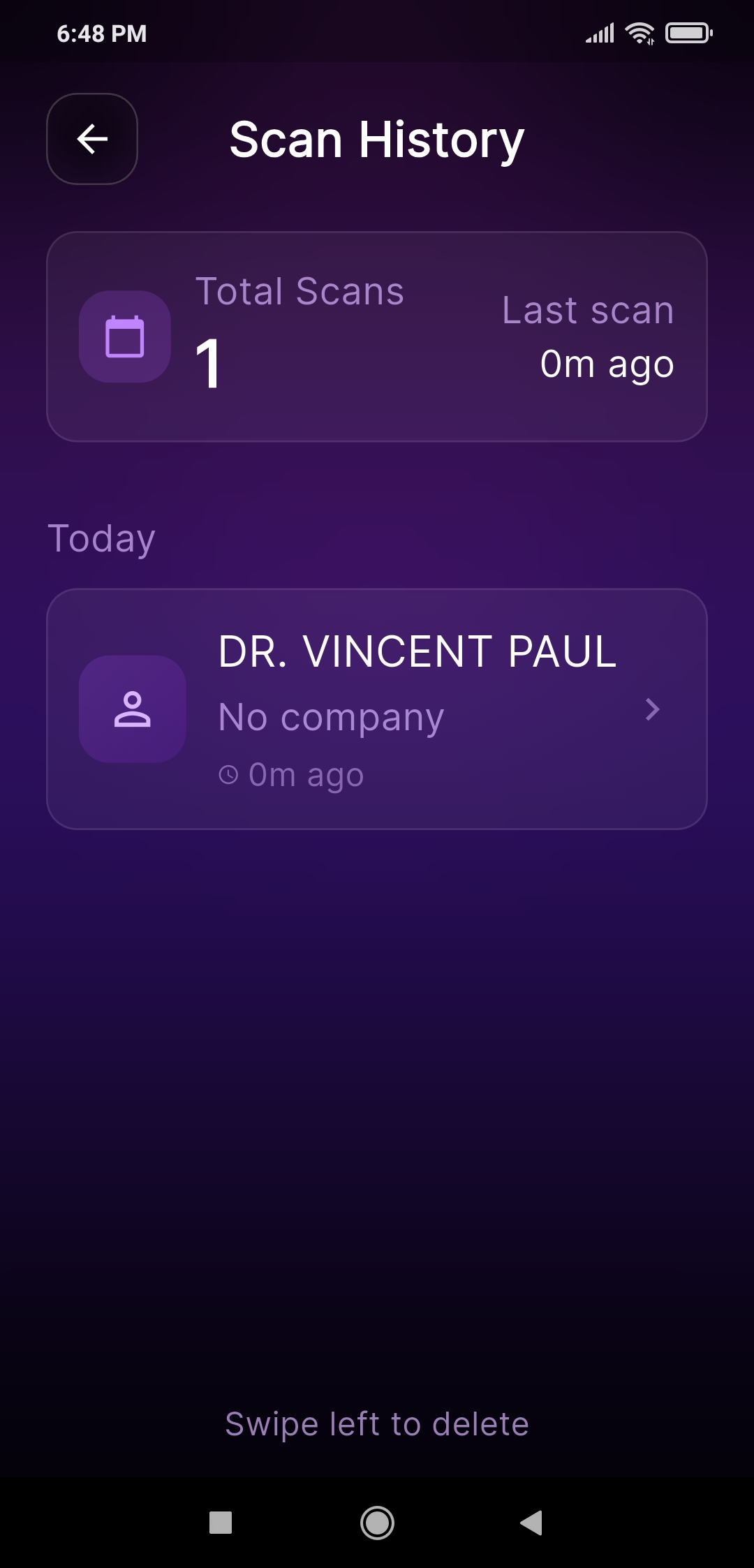
Powerful AI Features
Everything you need to scan, extract, call, email, save, share, and navigate — instantly.
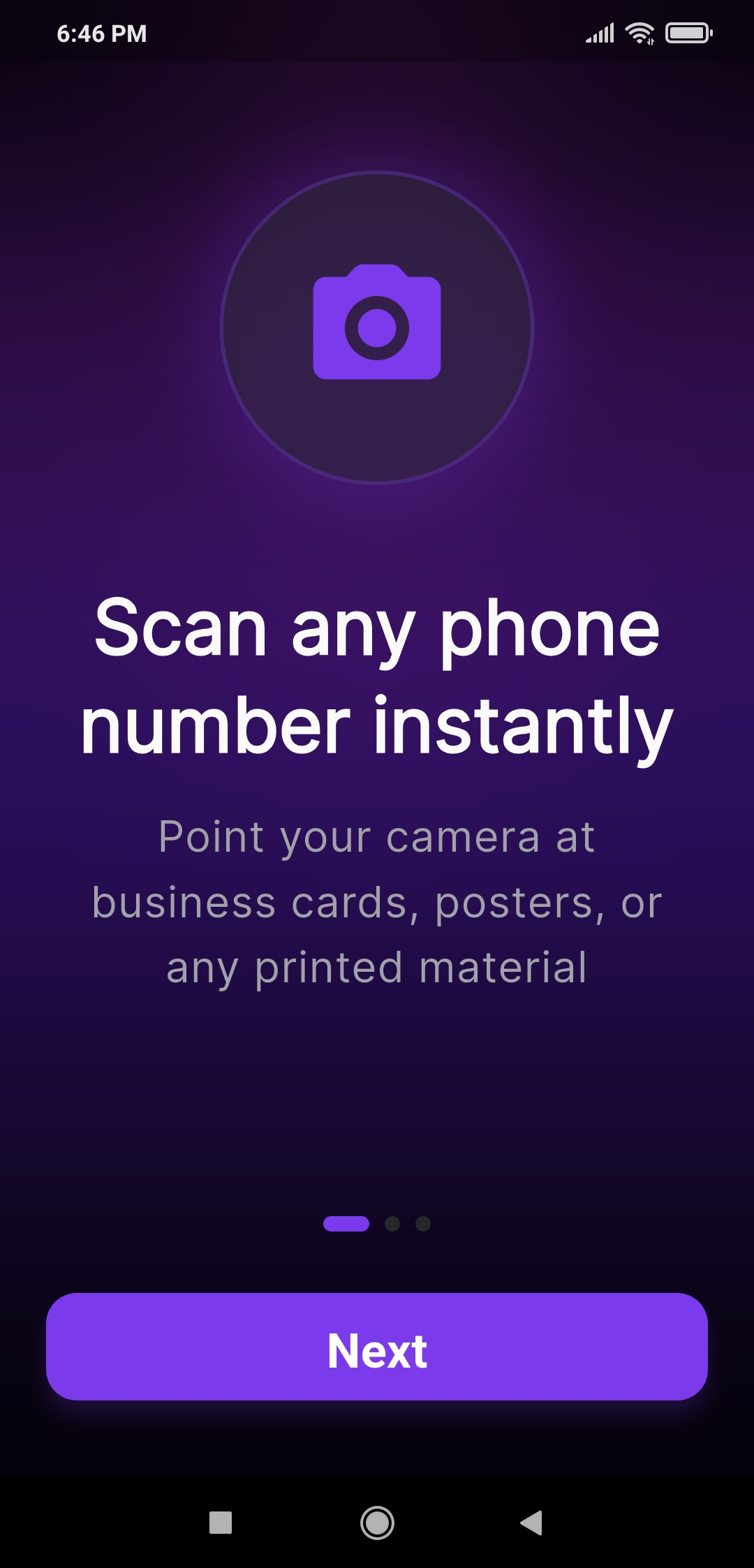
Smart Screen & Document Scanning
Scan business cards, phone screens, documents, printed ads, packages, or screenshots with AI-powered OCR.
Detects numbers, emails, and addresses with high accuracy.
Scan Another Person's Phone Screen
No need to exchange or type contact numbers.
Just scan your peer's phone screen, extract their number, and call or save instantly.
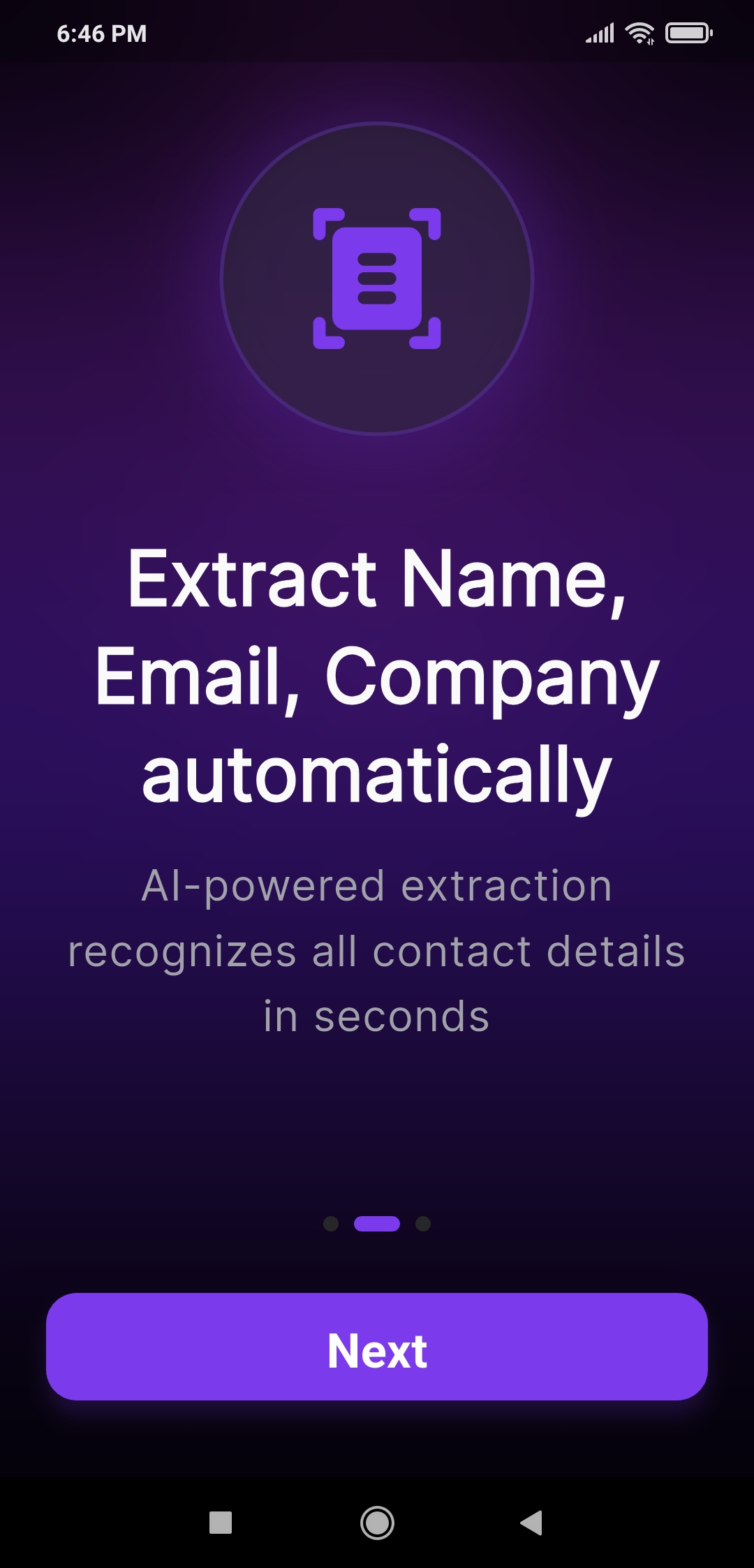
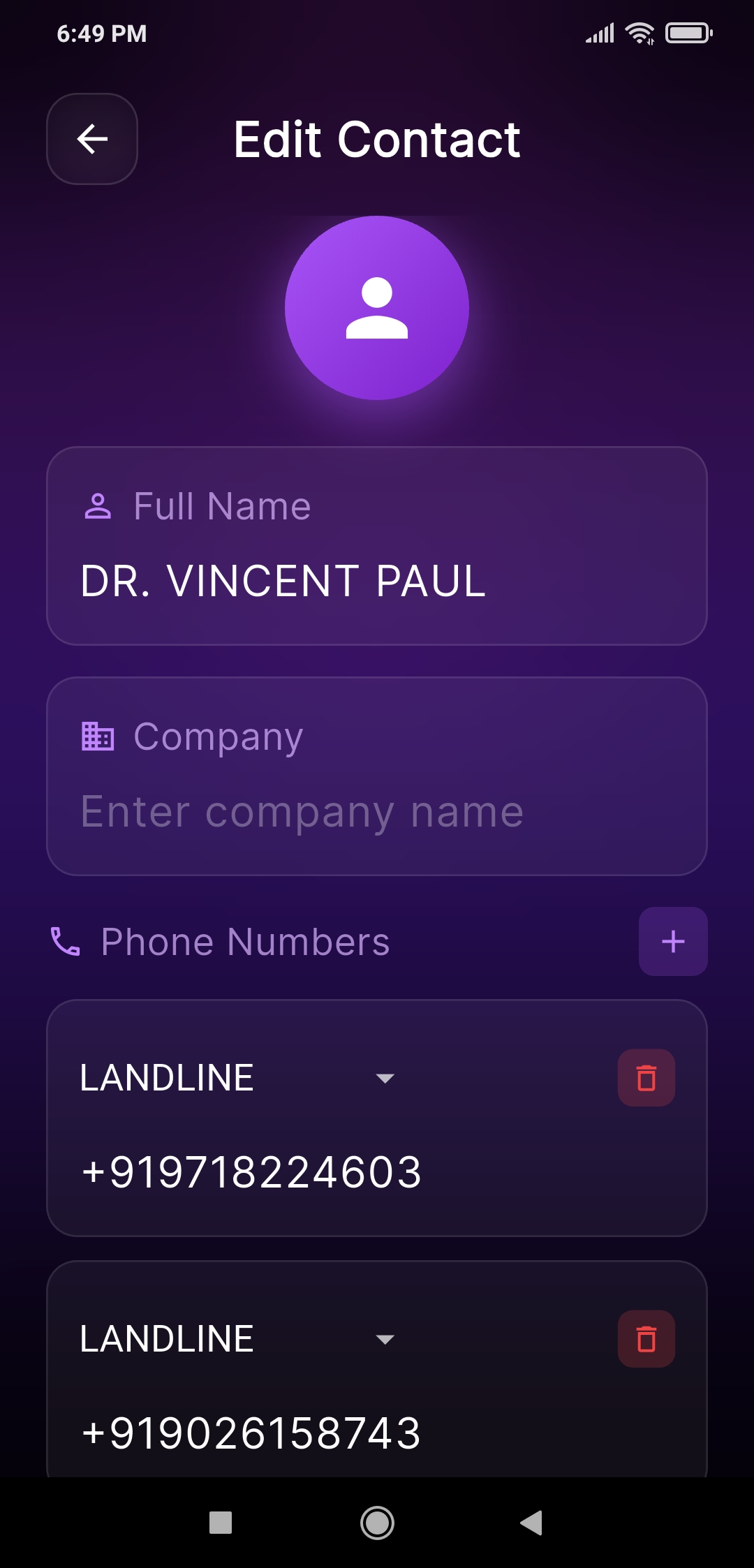
AI Contact Extraction
Name
Phone Number
Email
Address
Company / Title
Perfect for networking, business, customer support, and seniors.
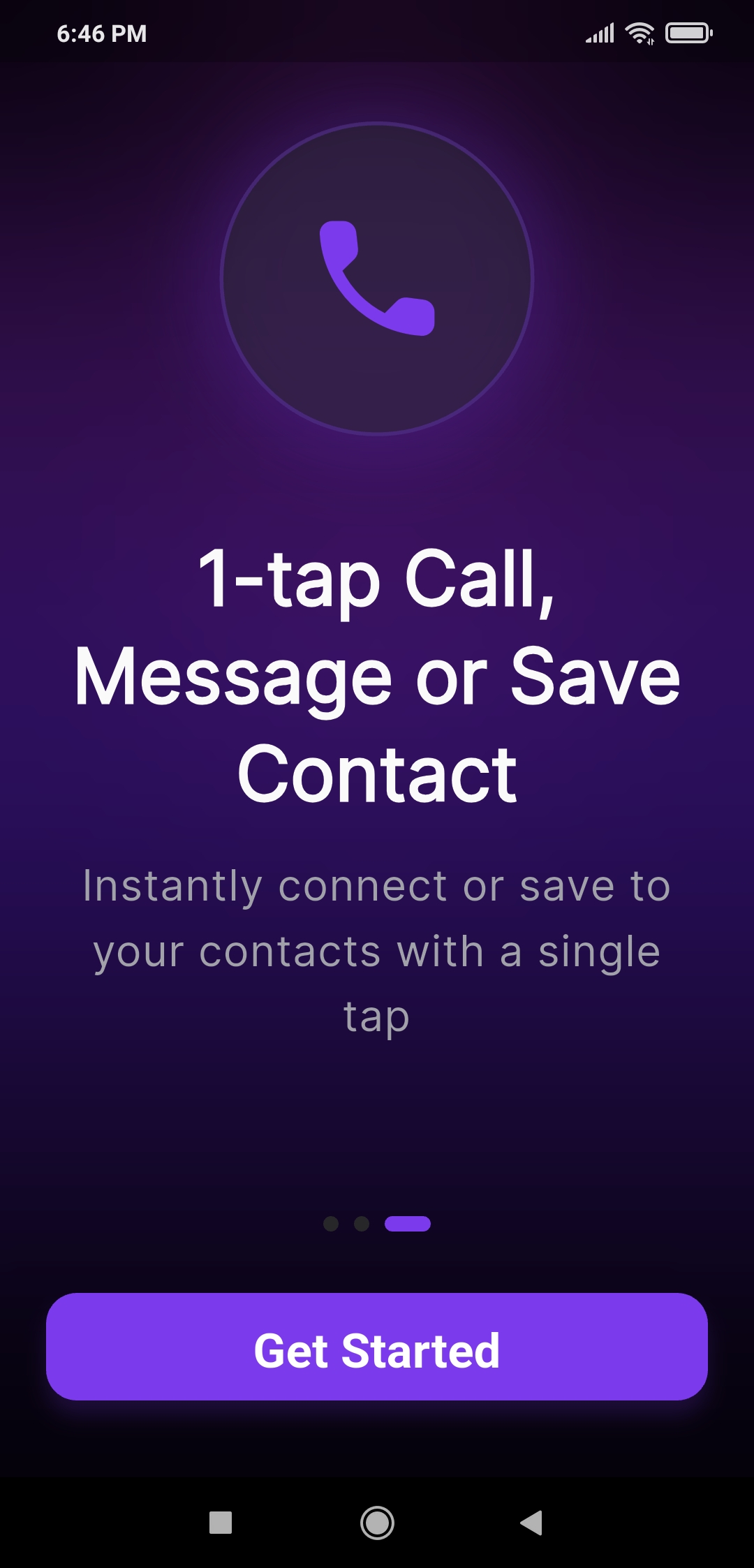
One-Tap Calling
Tap to call immediately — no typing, copying, or manual entry.
Address to Google Maps
Scan any printed or digital address and open it directly in Google Maps.
Ideal for delivery agents, logistics, travelers, and field teams.
100% Secure & Private
Everything runs on-device.
No cloud uploads. No data collection.
Your contacts stay safe and private.
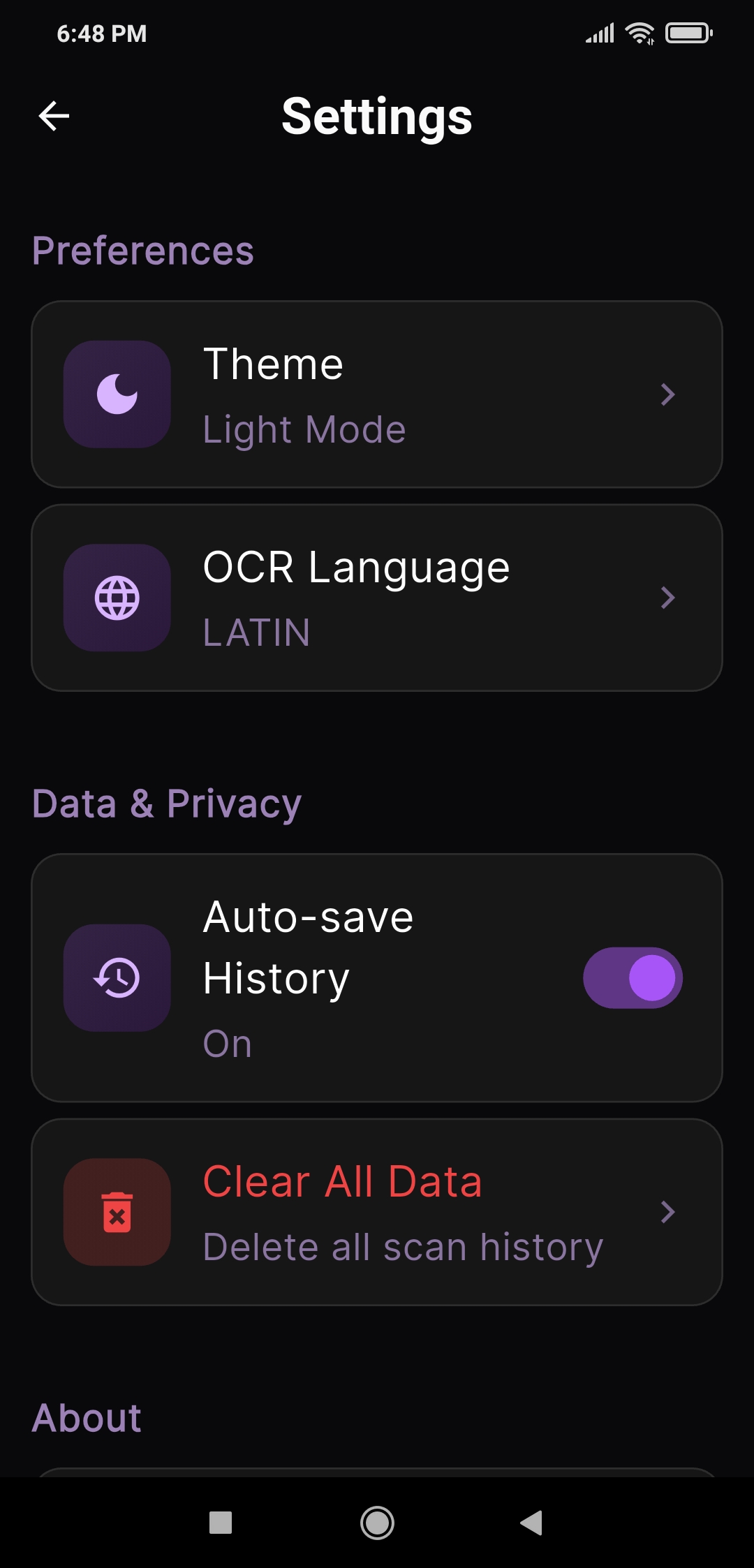
Smart History & Quick Actions
Automatically saves recent scans with:
Search
Call
Save to Contacts
Share
Copy
Everything accessible in seconds.
Easy Saving & Sharing
Save to contacts, share via WhatsApp/SMS/email, or export to CRM systems instantly.
Works With Screenshots
Upload screenshots or gallery images — AI extracts phone numbers and addresses even from low-quality or tilted images.
Senior-Friendly Design
Large buttons, simple steps, and clear text.
Designed for seniors and anyone who struggles with typing.
Lightweight & Fast
Low battery use, fast processing, and minimal permissions.
Works Without Internet (Offline OCR)
No internet? No problem.
Core scanning and number extraction work completely offline.
Perfect for traveling, rural areas, and secure environments.
How It Works
Three simple steps to connect instantly — no typing required.
Scan
Point your camera at any business card, phone screen, screenshot, or printed document. AI captures the text instantly with high-accuracy OCR.
Extract
AI automatically detects phone numbers, names, emails, and addresses — even from low-quality images.
Take Action
Call, save, navigate, or share in one tap. No manual typing. No app switching. No mistakes.
Loved by Professionals
Scan2Call boosts productivity for teams and individuals everywhere
"Networking became effortless with this AI contact scanner. I just scan business cards or screens and call instantly—no manual typing ever again."
"The best business card scanning app I’ve used. It accurately extracts phone numbers, emails, and addresses in seconds. Huge time saver during meetings."
"Fast, clean, and unbelievably accurate. I even scan screenshots and it pulls the contact details perfectly. Perfect tool for busy professionals."
"Scan2Call helps me avoid typing dozens of numbers daily. Works offline and even reads contacts from printed documents or displays. Highly recommended."
"I love how quickly it extracts names, phone numbers, and addresses. The Google Maps redirection feature is a lifesaver during field visits."
"The AI extraction is incredibly precise, even in low light. The history feature helps me revisit scanned contacts anytime. A must-have productivity app."
Perfect For
Trusted by professionals across multiple industries
Sales & Business
Network faster at events, conferences, and meetings. Instantly scan business cards and connect.
- Quick networking
- Business card scanning
- Contact management
Customer Support
Handle customer calls efficiently without typing errors. Scan tickets and call immediately.
- No typing errors
- Faster response time
- Call history tracking
Seniors & Families
Easy-to-use interface with large buttons. Perfect for those who struggle with small text.
- Simple interface
- Large buttons
- Voice-friendly
Delivery & Logistics
Navigate addresses quickly from packages, documents, or delivery lists with Google Maps.
- Address scanning
- Maps integration
- Route optimization
See It In Action
Experience the power of AI-driven contact scanning
Why Choose Scan2Call?
See how Scan2Call transforms your workflow
Without Scan2Call
- Manual typing of phone numbers
- Risk of typing errors and wrong numbers
- Time-consuming data entry
- Difficult for seniors with small text
- No quick access to contact history
- Copy-paste between multiple apps
- Lost or misplaced business cards
With Scan2Call
- AI-powered instant number extraction
- 99% accuracy with zero typing errors
- Scan and call in under 2 seconds
- Senior-friendly large buttons & UI
- Smart history with search & filters
- One app for scan, call, save, share
- Digital backup of all contacts
Frequently Asked Questions
Everything you need to know about Scan2Call
Q:How accurate is the AI scanning?
A:Scan2Call uses advanced OCR technology with 99% accuracy in extracting phone numbers, emails, and addresses from images, even in low light or tilted photos.
Q:Does it work offline?
A:Yes! Core scanning and number extraction work completely offline. No internet connection required for basic functionality, making it perfect for traveling or areas with poor connectivity.
Q:Is my data secure and private?
A:Absolutely. Everything runs on-device. We never upload your scans, contacts, or any data to the cloud. Your information stays 100% private on your phone.
Q:Can I scan someone else's phone screen?
A:Yes! One of our unique features lets you scan another person's phone screen to extract their number. Perfect for quick contact exchange without typing or sharing.
Q:What types of documents can I scan?
A:You can scan business cards, screenshots, packages, printed documents, phone displays, product labels, invoices, customer support tickets, and any text containing phone numbers or addresses.
Q:Does it integrate with Google Maps?
A:Yes! When you scan an address, you can open it directly in Google Maps with one tap. Great for delivery agents, field teams, and navigation.
Q:Is it easy for seniors to use?
A:Definitely! We designed Scan2Call with large buttons, simple steps, and clear text specifically for seniors and anyone who struggles with small interfaces or complex apps.
Q:Can I save scanned contacts?
A:Yes! You can save contacts directly to your phone, share via WhatsApp/SMS/email, export to CRM systems, or keep them in Scan2Call's history for quick access.
Q:Is there a subscription fee?
A:Scan2Call is free to download and use. We may offer premium features in the future, but core scanning functionality will always remain free.
Q:Which platforms is it available on?
A:Currently available on Android via Google Play Store. iOS version is coming soon. Stay tuned for updates!
Download Scan2Call Now
AI-powered contact scanning and instant calling.